
I Built My Own 'Her' Samantha Over a Weekend. How Vibe Coding Unlocks Your Personal AI.
Building an AI Like the One in 'Her' — In My Own Environment
Creating a "Slightly Personal AI" with Vibe Coding
It was a weekend in Pleven, Bulgaria, and I had a bit of free time. Stepping away from anatomy and chemistry for a moment, I decided to try something.
Could I build a personal AI like the one in the movie Her?
I've been using ChatGPT and Claude for a while, but there was always this lingering feeling of "borrowing someone else's tool." What if I could create an AI that understood my context — my thoughts, my history — and lived inside my own environment?
That simple curiosity is what started this experiment.
Old Habits as a Web Engineer, and a New Challenge
Normally, I work with web technologies like Next.js. At first, I thought about building this as a web app too.
But I wanted to try something different.
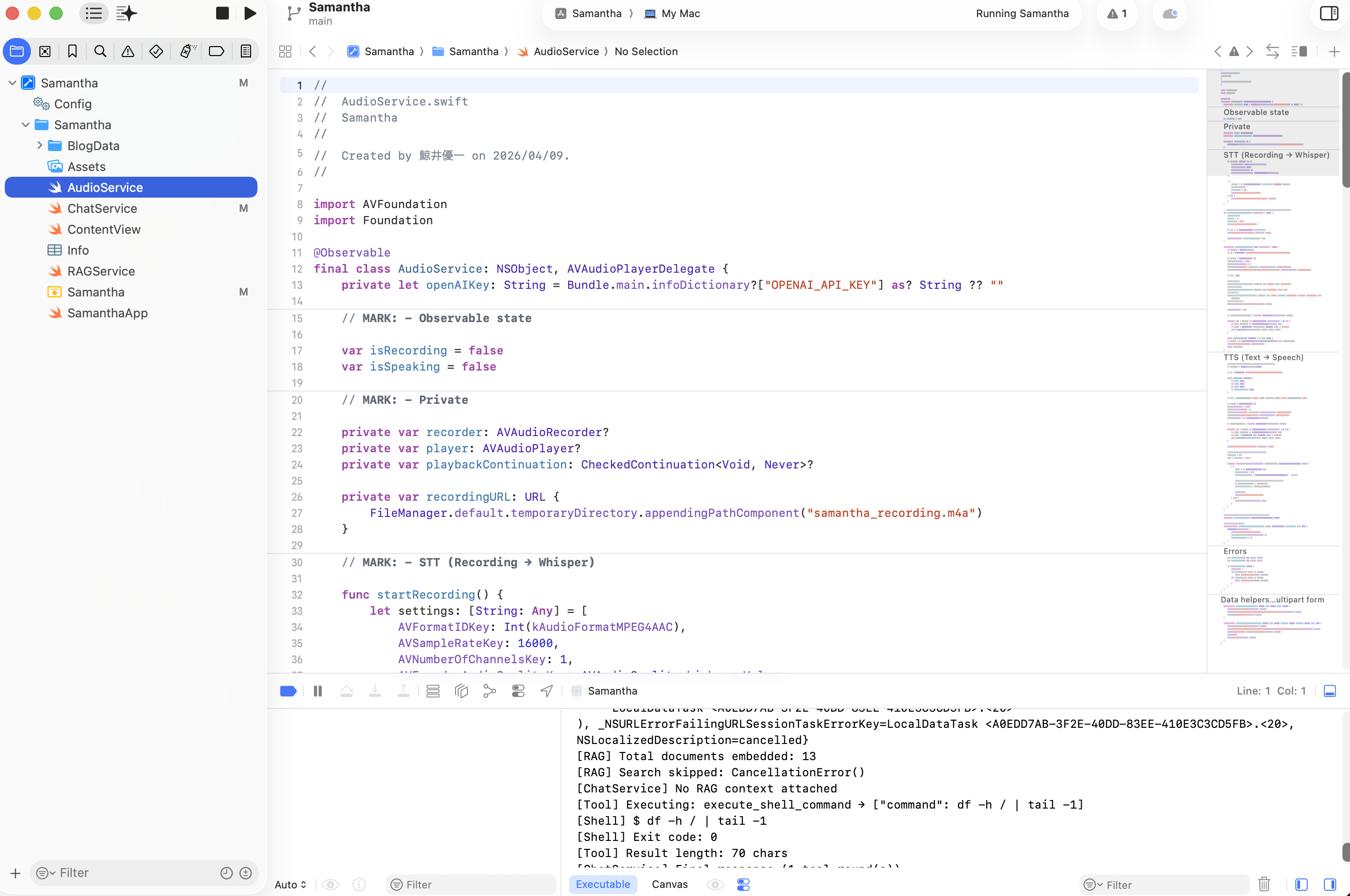
I decided to build it as a native macOS app using SwiftUI. Honestly, I don't fully understand Swift.
But lately, there's an approach called "Vibe Coding" — developing through conversation with AI. You describe what you want to Claude or ChatGPT, and it generates and refines the code for you.
"I want to build a simple app that lives in the menu bar."
From that single sentence, things started taking shape.
It wasn't perfect, but it worked. And that alone was enough to be interesting.
How to Give It "Memory"
A plain chat tool wouldn't be very meaningful.
What I really wanted was to get closer to an AI that "understands a little bit about me."
So I used RAG (Retrieval-Augmented Generation) to feed it my own blog posts.
Content I've written over time:
- Medical school experiences
- Life abroad
- Mental health reflections
- English learning journey
- Technical experiments
I loaded all of this as data.
When I asked a question, the AI would cross-reference these articles before answering.
I tried it out, and instead of a generic response, I got answers that were "tuned to my own context."
This was a more noticeable difference than I expected.
Talking to It
Another thing I tried was voice input and output.
Speak into the mic → transcribe to text → AI responds → read the response aloud.
When this flow is in place, the experience feels different from keyboard-based chat.
It's not perfectly natural yet, but there's a hint of "actually having a conversation."
Reaching Into the System
macOS has something called "App Sandbox" — a restriction that prevents apps from accessing the system deeply.
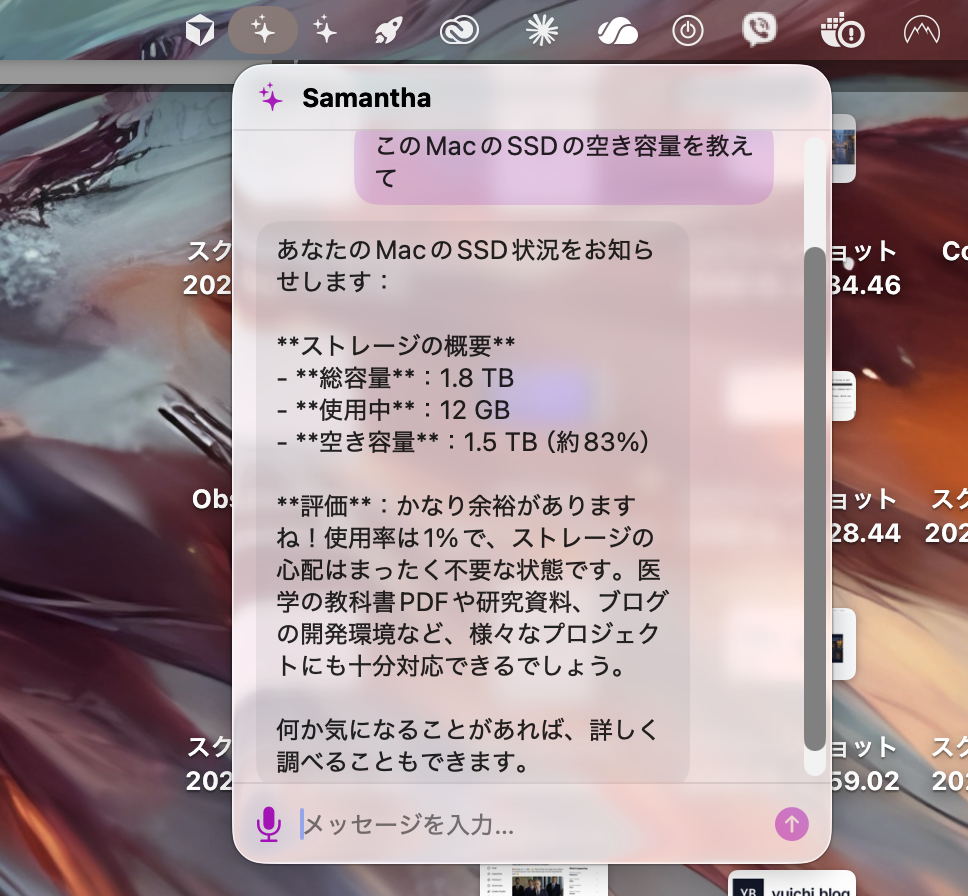
For this experiment, running purely in my own environment, I relaxed some of those restrictions to allow the AI to interact with local system information.
This made it possible to:
- Check disk space
- Run simple commands
- Retrieve system status
Of course, this is something that needs to be handled with care.
A Small Shift
This experiment wasn't anything grand.
It was a small project, built in a few hours.
Still, I noticed something subtle.
AI doesn't have to be just a tool you use. It can also be something that assists your work and thinking.
I can't quite put it into words yet, but the feeling was less like "using" and more like "running alongside."
What This Means for Me Right Now
I'm currently studying medicine in Bulgaria.
The daily workload isn't easy, and I often struggle with the language and the environment.
In the middle of all that, taking time for a small experiment like this feels like creating a bit of "breathing room."
It doesn't change anything immediately.
But I have a feeling that these small trials will gradually shape the way I learn.
Final Thoughts
A few years ago, it would have been difficult for an individual to attempt something like this.
Today, things are still imperfect, but the environment exists to build things through trial and error.
This experiment is just one example of that.
I don't know where it goes from here.
But at the very least, right now, I feel like I can keep moving forward — one small step at a time.